How to Wash Graphic Tees and Sweatshirts So the Print Lasts
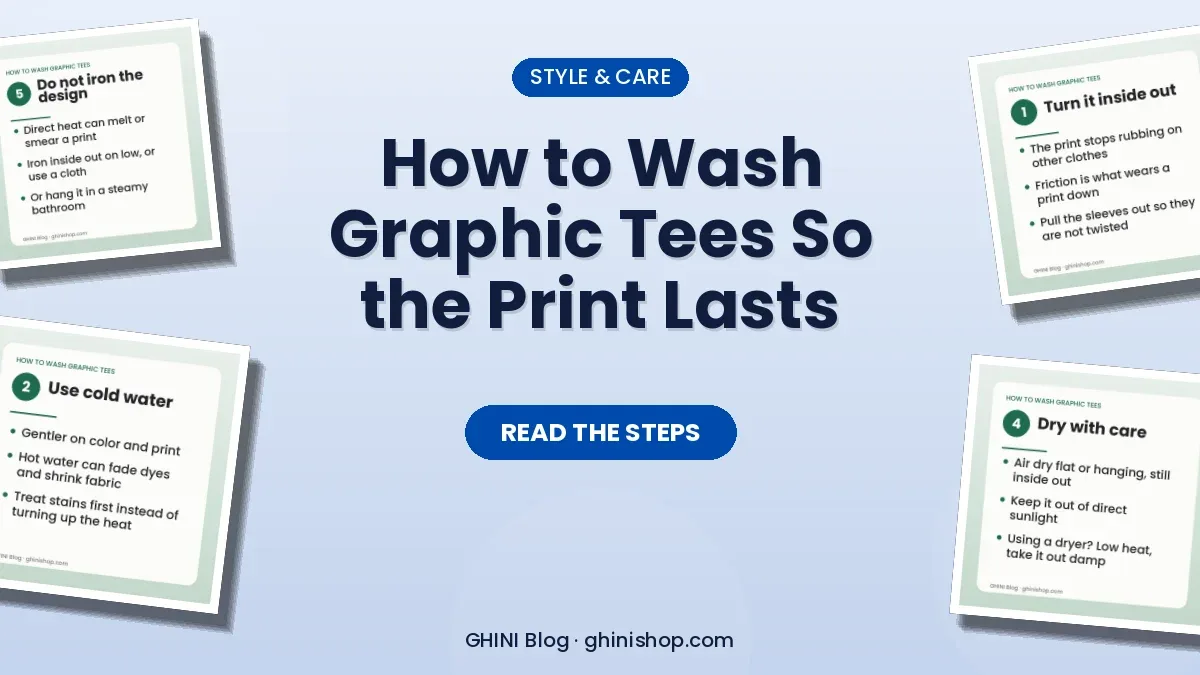
How to wash graphic tees and sweatshirts so the print lasts: turn inside out, use cold water, skip bleach, dry gently, avoid ironing the design, and store right.
In this article
A graphic tee or sweatshirt you love can look sharp for years or start cracking and fading after a handful of washes. Most of the difference comes down to how you care for it. The good news is that the habits that protect a print are simple, and they are mostly the same no matter how the design was made.
Here is a straightforward routine, step by step.
First, read the care label
The label inside the garment and any care notes on the product page come first. If they differ from general advice, follow the label. Different fabrics and printing methods react differently to heat and friction, so the maker's instructions are the best guide for that specific item.
The rest of this article covers the habits that tend to protect prints in general.
A quick note on print types
Printed designs are usually made in a few common ways:
- Direct-to-garment (DTG) prints ink into the fabric fibers, which tends to feel soft.
- Direct-to-film (DTF) transfers a printed film onto the garment, often giving a slightly raised feel.
- Screen printing pushes ink through a stencil, producing a bold layer that sits on top of the fabric.
Each has its own quirks, but heat, friction and harsh chemicals are the common enemies of all of them. That is why the steps below focus on keeping those under control. We are not saying any particular item uses one method, so use the care label as your final word.
Turn it inside out
This is the single easiest habit. When the garment is inside out, the print does not rub against other clothes, zippers or the wall of the machine. Friction is what wears down a print, so protecting the design side makes a visible difference over time.
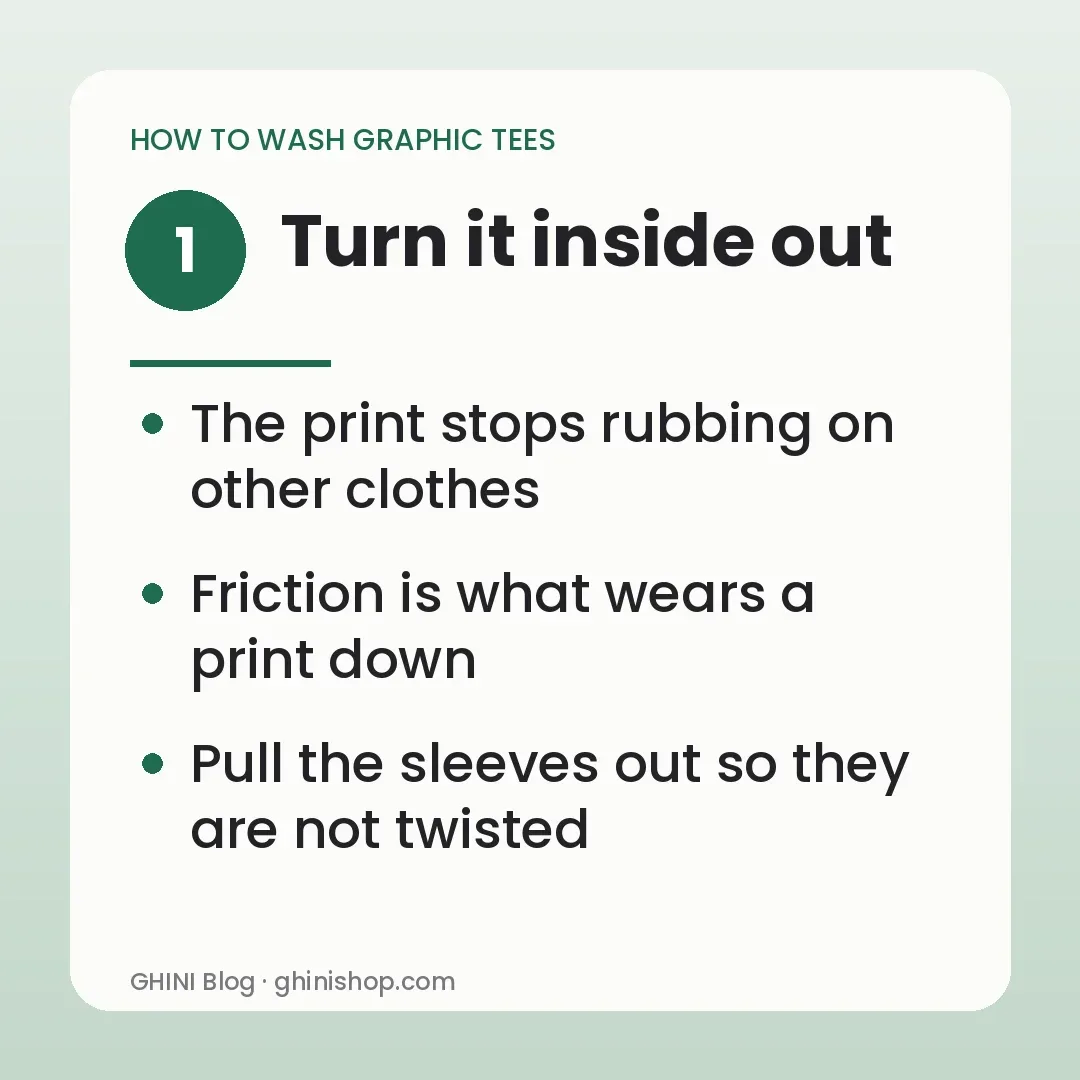
Turn sweatshirts inside out too, and pull out the sleeves so they are not twisted into knots.
Use cold water
Cold or cool water is gentler on both color and print. Hot water can loosen certain prints, fade dyes and shrink fabric. A cold cycle cleans most everyday dirt perfectly well, especially if you use a good detergent.
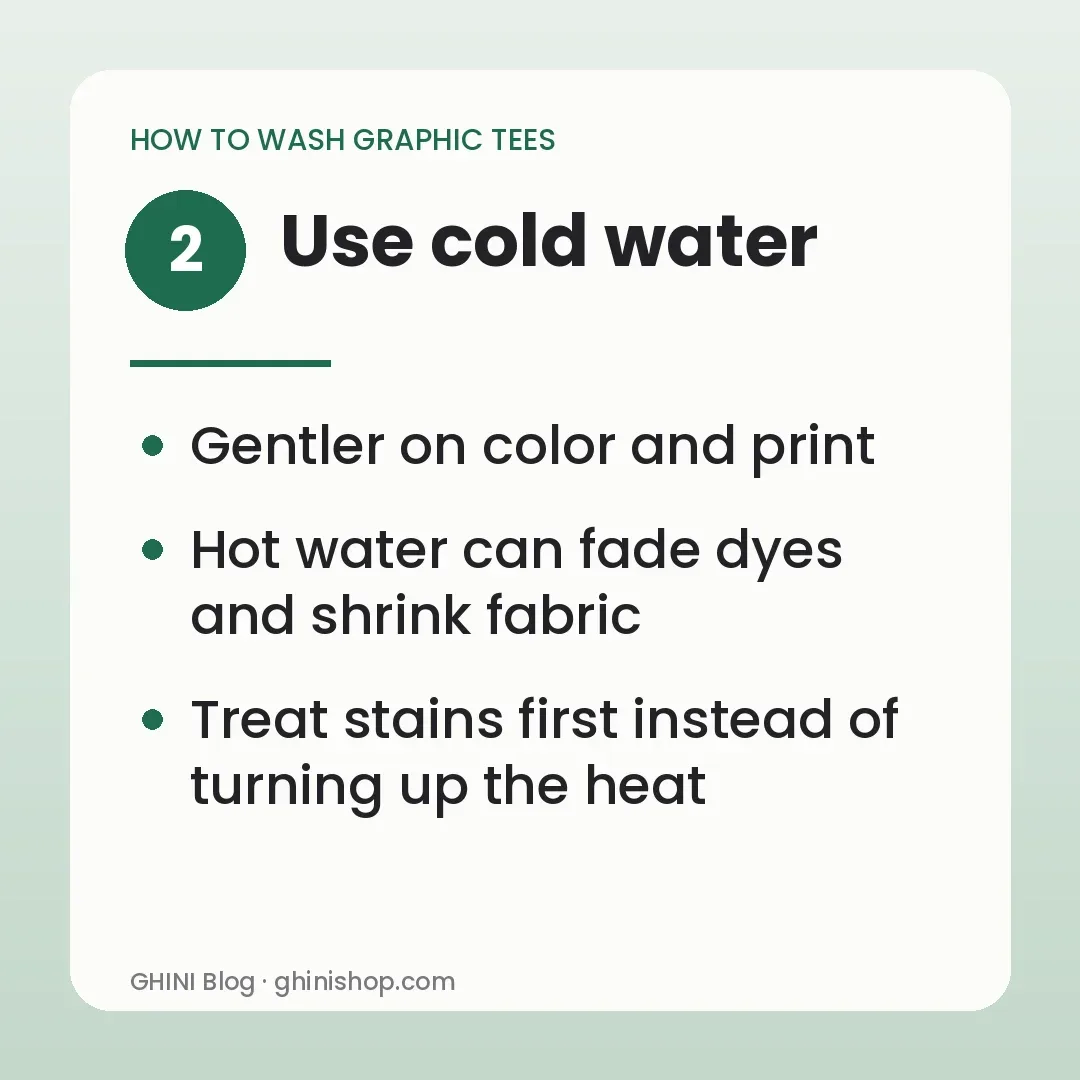
If something is heavily stained, treat the stain first rather than raising the temperature.
Use a mild detergent and skip the bleach
Choose a gentle detergent in the amount recommended on the bottle. More soap does not mean cleaner clothes, and extra residue can leave fabric stiff. Avoid bleach and strong stain products on printed areas, since they can break down ink and fade colors. Oxygen-based or color-safe products are usually gentler, but test them on a hidden spot first.
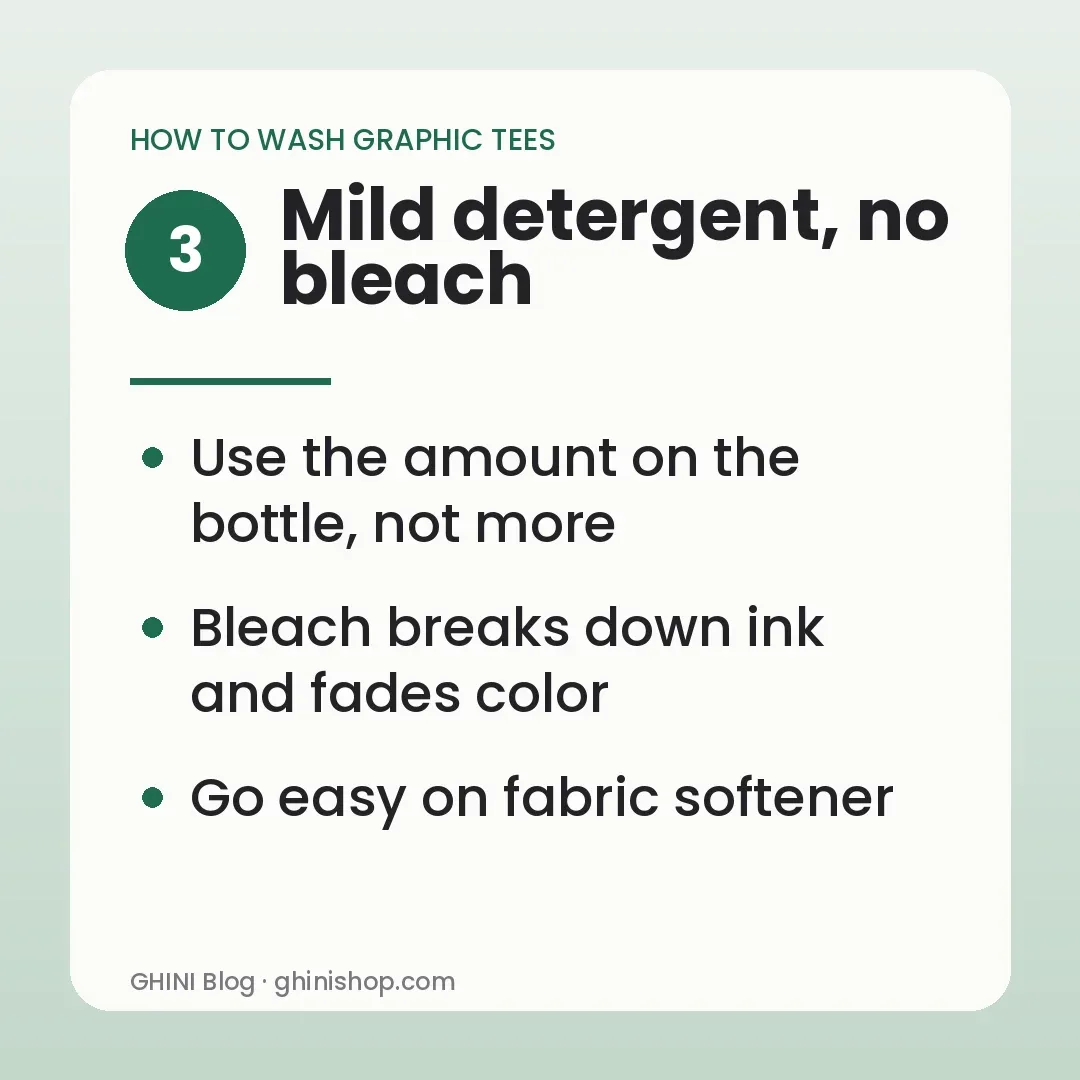
Fabric softener is another product to use sparingly. Heavy softeners can coat fibers and, with some prints, may affect how the design looks over time. If you want softness, an extra rinse can help.
Wash with similar items
Mix your graphic tees with other soft items of similar weight and color. Avoid washing them with jeans, towels or anything with zippers, hooks or rough textures. Those can scratch the print. Sorting by color also helps prevent dye from transferring, especially with new dark items.
Do not overload the machine. Clothes need room to move through the water, and a crowded drum increases rubbing.
Choose a gentle cycle
A gentle or delicate cycle reduces tumbling and friction. It is a small change that can protect prints over dozens of washes. If your machine has a short cycle, that is fine as well. Longer is not always better.
Dry with care
Heat is the biggest risk after washing, so the safest approach is to air dry.
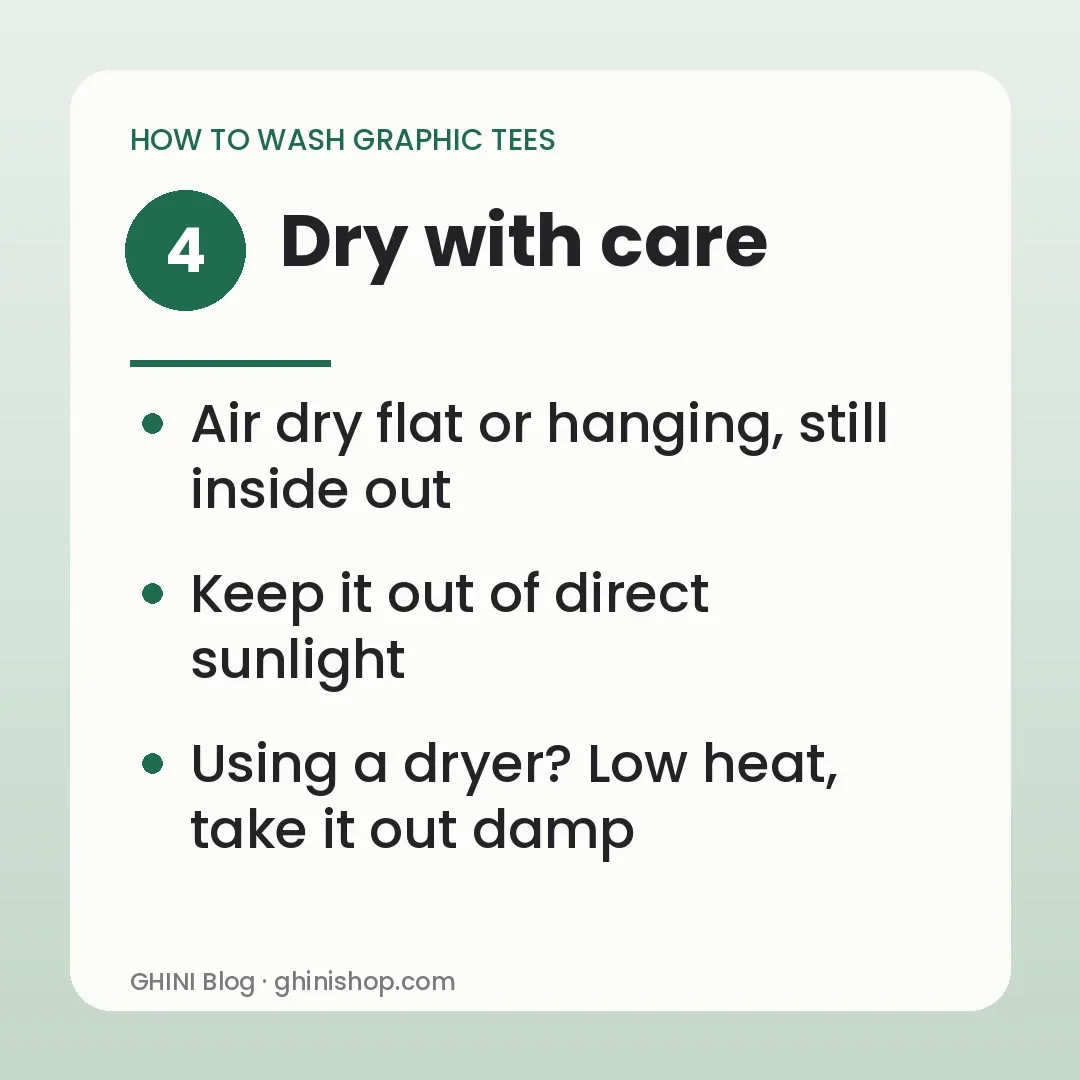
- Remove the garment promptly so it does not sit wet.
- Shake it out and lay it flat or hang it, still inside out, away from direct sunlight.
- Let it dry fully before folding.
If you use a dryer, choose low heat or the delicate setting and keep the garment inside out. Take it out while it is still slightly damp if you can, then let it finish in the air. High heat can crack prints, shrink cotton and wear down fibers faster.
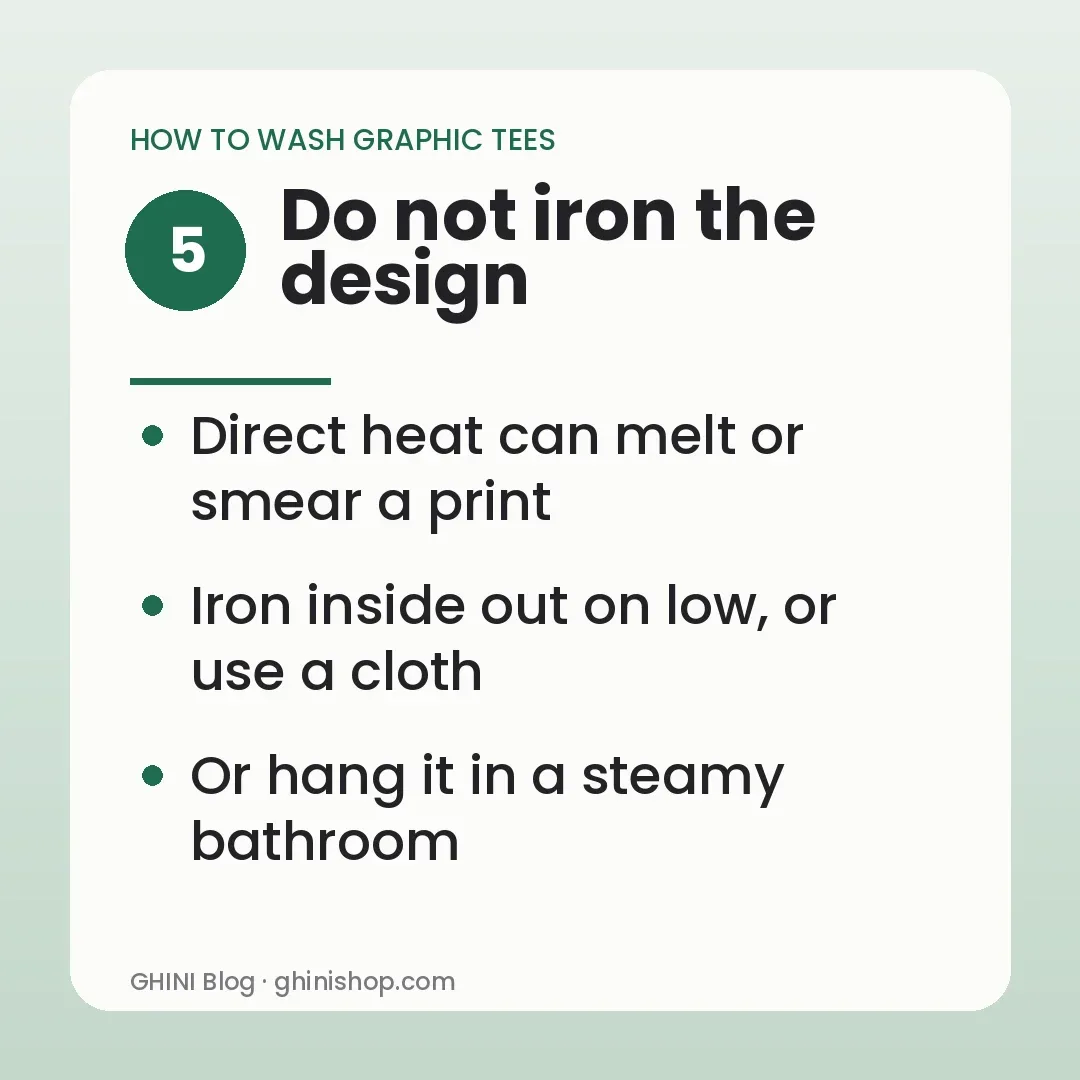
Do not iron the design
Direct heat on a print can melt, smear or stick it to the iron. If you need to smooth wrinkles, turn the garment inside out and iron from the back on a low setting, or use a thin cloth between the iron and the fabric. Better still, hang it in a steamy bathroom or smooth it by hand while it is slightly damp.
Store it well
How you put clothes away matters too.
- Fold graphic tees and sweatshirts rather than hanging them for long periods, since hanging can stretch shoulders and necklines.
- Avoid stacking printed sides directly against each other under a heavy pile, which can cause sticking in warm conditions.
- Keep them out of damp areas and strong sunlight.
- Do not store them while still damp.
Wash less often
Not every wear needs a wash. If a sweatshirt is only lightly worn, airing it out for a day is often enough. Fewer washes mean less wear on both the print and the fabric.
A little attention goes a long way. Turn it inside out, use cold water, skip the harsh products, dry gently and keep heat off the design, and your favorite graphic piece should stay looking good for a long time.
Gift ideas before every holiday
One short email before each holiday with new GHINI designs and gift ideas. No spam, unsubscribe anytime.
By subscribing you agree to our Privacy Policy.